


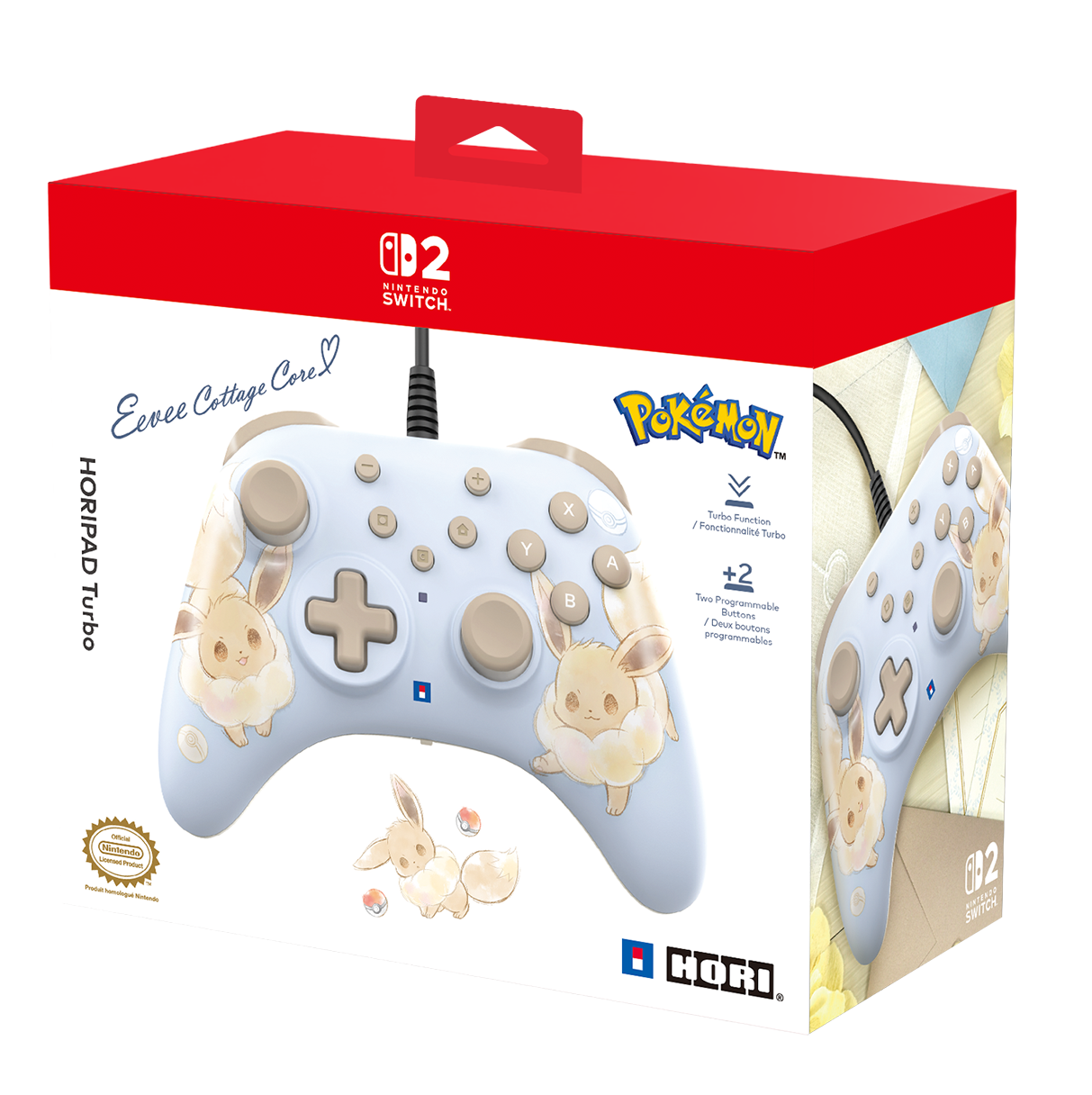
Enjoy gaming with the HORIPAD Turbo Eevee Cottage Core for Nintendo Switch™ 2. This sturdy wired controller features programmable rear buttons, C-button, precision analog sticks, Turbo settings and more. Assign button functions freely to customise your play experience! Wired functionality provides lightning-fast response, while an ergonomic grip and a lightweight profile ensures continued comfort. The HORIPAD Turbo has adorable Eevee artwork from the Pokémon franchise. Compatible with Nintendo Switch 2, Nintendo Switch and Nintendo Switch – OLED Model. Officially licensed by Nintendo® and The Pokémon Company International.
Product Features
- Wired Controller for Nintendo Switch 2
- Includes C-Button, Programmable Rear Buttons and Turbo function
- Assign button functions freely with on board assign mode
- Featuring an Eevee design from Pokémon
- Officially Licensed by Nintendo® and The Pokémon Company International
Related Links
IMPORTANT – PLEASE READ BEFORE UPDATING
This firmware is STRICTLY FOR THE HORIPAD Turbo for Nintendo Switch™ 2 series.
DO NOT use the firmware or download link above to update the HORIPAD Turbo for Nintendo Switch™ series (NSW-457U / NSW-462U / NSW-463U).
Using the wrong firmware may cause issues with your controller.
Please make sure you have the correct HORIPAD Turbo model before proceeding with the update.


Introducing the HORIPAD Turbo for Nintendo Switch 2 (Eevee Cottage Core)!
An irresistibly cute Eevee design in soft, pastel tones.

Assignable Rear Buttons
Assign functions to the rear buttons for a seamless gaming experience.

Equipped with C button
Compatible with the "Game Chat" function, a new feature of Nintendo Switch 2. Enjoy chat with the press of a button while gaming.
*Internet, Nintendo Account and Nintendo Switch Online membership (sold separately) my be required for chat features.
Turbo and Hold Settings
Set Turbo for rapid-fire or Turbo Hold to automatically engage Turbo mode
3 selectable input speeds at 5/10/20 inputs per second
|
|
|
|
|
Adjustable Dead Zone Adjust the dead zone for how far the analog sticks move before registering input with three selectable settings |
Assign Function Assign button functions based on your preference using the Assign Button on the back of the controller |
Ergonomic Analog Sticks and Button Layout Comfortable placement of analog sticks and buttons for enjoyable gameplay |


